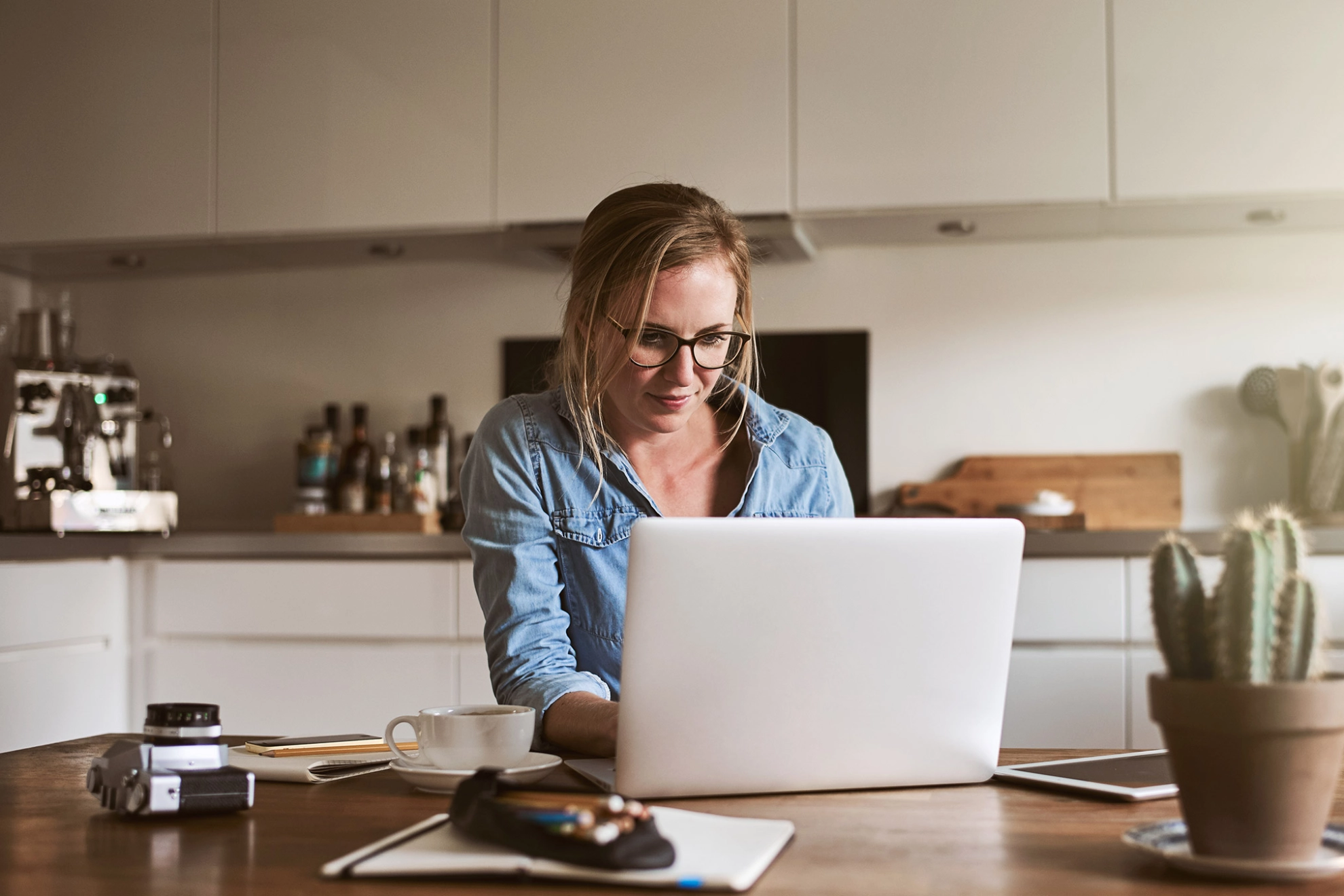
These days, hundreds of thousands of colleagues are experiencing a completely new work routine: Equipped with a laptop and cell phone, they are now expected to do their work from home. Working from home—which more and more companies are making possible for their employees—is important because it helps reduce social contact. The hope is that this will help contain the rampant coronavirus pandemic as effectively as possible. The goal is to slow the rate of new infections.
How do telework, mobile work, and working from home differ?
If available, a permanently set up teleworking station is the best place to work. Unlike mobile work, which is not tied to a specific location and can take place anywhere—including at home—telework is tied to a fixed location: The employer sets up a workspace for the employee in their private living space. The employer provides functional technical equipment and covers the costs. In addition, the Workplace Ordinance applies to telework. It requires the employer to conduct a risk assessment at home as well when initially evaluating the workspace. In a home office, both options are possible. Employees can work here either remotely or at a permanently set-up workspace.
In the current situation—and this is to be expected—only a very small number of employees will be able to work from a fully equipped teleworking station—and by no means will all colleagues have their own lockable home office with a desk and office chair.
Working from Home: What Should I Keep in Mind When Setting Up My Workspace?
But even if the kitchen table at home has to serve as a solution, employees can still work safely and comfortably. It’s therefore important to keep the following tips in mind when working from home.
- Position the device so that, as much as possible, no windows or light sources are reflected in the screen and you do not have to look into a backlight. Daylight is best when coming from the side.
- The distance from the screen should be 50–70 cm.
- Use a separate keyboard, mouse, and, if available, a separate monitor when working on a laptop, as these allow for a more ergonomic working posture.
- It’s best to look down at the screen from above in a relaxed manner, as if you were reading a book. For optimal viewing, the monitor should be tilted back far enough so that your line of sight is perpendicular to the screen. This ensures that your head is slightly lowered when looking at the monitor, which helps prevent tension.
- Change your sitting position frequently and take breaks to move around to prevent back tension.
(You can find more valuable tips on how to set up your own workspace ergonomically here.)
Do I have to be available all the time when working from home?
There’s no question about it: Working from home, wherever possible, is extremely important in the current situation. However, mobile work from home also carries risks such as constant availability and unlimited working hours. While mobile work must generally comply with the requirements of the Occupational Safety and Health Act, unlike with telecommuting, the employer is not obligated to verify this.
Working remotely from home does not mean being available around the clock. Even those who work outside the office must comply with the legal regulations on working hours. These include, among other things, the maximum daily working time of generally 8 hours and the maximum weekly working time of 48 hours.
Work-from-Home Regulation: Here Are the New Rules