Before You Leave and While on Vacation
Only enter your credit card and bank details on websites that use TLS/SSL encryption. You can recognize these by the fact that “https” appears at the beginning of the browser’s address bar instead of “http.” The same applies to bookings, purchases, or reservations you make online.
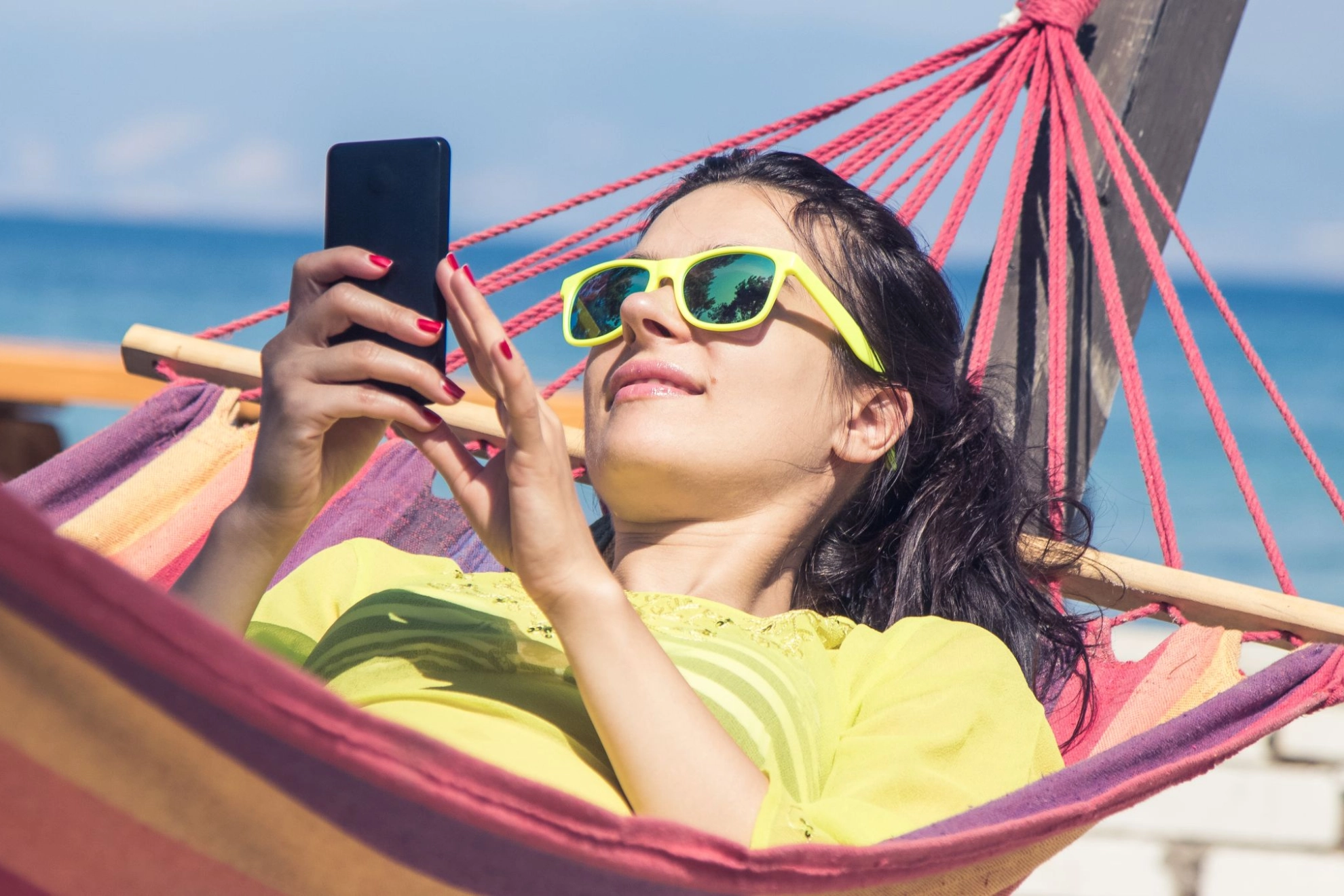
Where there are lots of tourists, thieves are often not far behind. Laptops and smartphones are attractive targets. Therefore, only bring the electronic devices that are absolutely essential to you. After all, while on vacation, you might want to give your “digital self” a few days off, too.
Back up important documents to external storage devices or save them to the cloud. Make sure that the password for this must be entered manually on your mobile devices. The device must not connect to the cloud automatically.
Protect your home network and turn off Wi-Fi while you’re away. Smart home owners should also make sure to activate away mode before leaving. This makes your apartment or house appear occupied and deters potential burglars, as lights are automatically turned on and off several times a day or the blinds are opened during the day.
Configure your smartphone and tablet so that they do not establish an automatic data connection while abroad. Activate wireless interfaces such as NFC, Bluetooth, and Wi-Fi only when in use. This is because smartphones and the apps installed on them can send and receive data in the background, which can result in high data usage without you noticing. Additionally, dangerous content such as viruses and Trojans can be transmitted wirelessly via interfaces like Wi-Fi.
Keep in mind that without an internet connection, many apps will function only to a limited extent. If you don’t want to do without mobile internet, many mobile carriers offer the option to set a data cap or a specific data allowance.
As tempting as it may be to share that sunset snapshot with your friends back home, wait until after you return to post your vacation photos on social media platforms like Facebook or Instagram. If you reveal on social media that your house or apartment is empty because you’re traveling, you increase the risk of becoming a victim of burglary. So be sure to check the privacy settings on your social media accounts so that not everyone knows you’re currently away from home.
After Your Vacation
Once you’re back home, keep the following in mind:
- Restore your home network, check access permissions, and change your password
- Enable Wi-Fi, check access permissions, and change your password
- Delete unread emails from unknown senders or with unusual subject lines
- Delete travel documents from the cloud or an external storage device
- Update your operating system, antivirus software, and other programs
- Create backups of important data (such as travel photos)
And last but not least: Invite friends over to look at your vacation photos!